Event Badge Scanning: How It Works and What to Choose
Someone has asked whether you can “scan badges” at your next conference or trade show. The short answer is yes — and it is worth setting up properly. Event badge scanning reads a unique code or chip on each attendee’s badge to log who they are, when they arrived, and where they went. It does three distinct jobs, and knowing which one you actually need determines every other decision.
How does event badge scanning work?
Badge scanning captures attendee data at a specific point in your event, replacing manual sign-in sheets or paper lists.
What is encoded on the badge
A badge carries a unique identifier — typically a delegate ID or registration number — either printed as a QR code or barcode, or embedded in a small chip (RFID or NFC). That ID maps to the attendee’s full registration record held in your platform: name, job title, company, dietary needs and any session bookings. The badge itself holds no personal data; the database does.
From scan to record to export
When a scanner reads a badge, it sends the ID to your registration system, which logs a timestamped entry. At the end of the event — or in real time via a dashboard — you export the data as a spreadsheet or feed it into a CRM. Exhibitors using lead retrieval get their own separate export, distinct from the organiser’s attendance data.
The three jobs of badge scanning
Most of the confusion around badge scanning comes from mixing these three jobs up.
Check-in and entry replaces the sign-in sheet or printed guest list. An operator scans each badge as delegates arrive; the system marks them as attended and, optionally, triggers on-demand badge printing. Speed matters here: a slow scan-point creates a queue at the door before a single session starts.
Session and attendance tracking places scanners at breakout room entrances to record which sessions each delegate attends. This is useful for CPD-accredited events, compliance records, or understanding which topics drew the most interest.
Exhibitor lead retrieval puts a scanner in the hands of each stand holder so they can capture a visitor’s contact details by scanning their badge — instead of exchanging cards. The exhibitor gets a clean export after the event, provided the delegate consented to their data being shared.
QR, barcode, RFID or NFC: which to choose?

| Technology | How it reads | Best for | Watch out for |
|---|---|---|---|
| QR code | Camera (phone or handheld) | Check-in, lead retrieval | Badge must face the scanner; ISO 18004 sets a minimum module of 0.25 mm — in practice, allow at least 2.5 cm × 2.5 cm on a badge scanned at arm’s length |
| Barcode (1D/2D) | Laser or camera | High-volume entry lanes | Widely supported; a 1D barcode stores around 25 characters, while a 2D barcode (e.g. PDF417 or QR) stores thousands |
| RFID | Radio signal, no line of sight | Attendance tracking, access control | Higher kit cost; UHF readers can detect hundreds of badges simultaneously at ranges up to several metres |
| NFC | Near-field tap, short range | Phone-tap check-in, cashless | Attendee taps a reader; ISO 14443 specifies a maximum range of 10 cm — requires NFC-enabled badge or wristband |
For most UK conferences and trade shows, QR code scanning on a dedicated handheld device or smartphone app handles check-in and lead retrieval without drama. RFID makes sense when you need hands-free tracking across multiple doors — for example, access control in a multi-room conference centre — but it adds infrastructure cost.
Badge scanning apps vs rented scanners
Using your own phone
Most registration platforms offer an iOS and Android app that turns any modern smartphone into a QR scanner. This works well for smaller events where organisers or volunteers can each use their own device. You need reliable Wi-Fi or mobile data, and you should check whether the app has an offline mode before you rely on it in a venue with patchy connectivity.
Hired devices
For larger events, purpose-built handheld scanners rent per device per day from your registration provider or an event tech supplier. They are faster, have longer battery life, and are built for sustained scanning in a busy foyer. At exhibitor level, each stand holder typically rents a device for the duration of the show — or uses a mobile app if the platform supports it.
How much does badge scanning cost?
Badge scanning cost depends on several factors:
- App vs hardware: a scanning module bundled with your registration platform may be included in the licence fee; dedicated hardware is charged per device per day.
- Number of exhibitors: each stand needing a lead retrieval device adds to the total.
- Technology choice: RFID infrastructure adds badge chips, fixed readers and setup time.
- Event duration: longer events or 24-hour access control increase rental days.
No scanning prices are published on this site — this is a product of your registration and event tech suppliers. Once you know your attendee numbers, session count and exhibitor list, ask for a quote.
Data, consent and GDPR basics
Under UK GDPR, you must tell attendees what their badge data will be used for and obtain their consent where required — particularly before sharing data with exhibitors. The ICO’s right to be informed guidance sets out what privacy information you must provide.
In practice:
- Include consent language on your registration form. Something like: “By attending, you agree your badge may be scanned for entry and attendance tracking.”
- For exhibitor lead retrieval, delegates should opt in to sharing their details with stand holders — not be opted in by default.
- Check that your data processor agreements with your registration platform cover scanning data.
- Set a retention period and delete data you no longer need after the event.
Making it work on the day
Scanning technology is reliable; the problems on the day are almost always physical and logistical.
Queues at the door. Plan enough scan points for your expected arrival flow. Stagger start times if you can, or use mobile check-in (a QR code sent to the delegate’s phone) to skip badge-print queues for returning attendees.
Badge print quality. QR codes scan poorly if a badge is crumpled, printed too small, or back-lit by a bright window. Test-print a batch and scan them in real conditions — same lighting, same distance — before the event.
Offline fallback. Wi-Fi in venues is unpredictable. Check whether your app stores scans locally and syncs when connectivity returns. If not, keep a backup printed list.
Staff briefing. Show every operator how to handle a scan error, a badge-less delegate, and a low-battery device. Five minutes before doors open prevents most delays.
Test run. Run ten live badges through the full flow — scan, record, export — in the venue the day before, or on the morning of the event. Confirm the export arrives in your system correctly.
For a broader pre-event checklist, see our event AV checklist and conference planning guide.
Using scanning at trade-show stands and activations
Badge scanning at a stand is only as useful as the follow-up process behind it. Scan a visitor’s badge to capture their contact details, but also record a note about the conversation — most lead retrieval apps include a notes field or a qualifying question (“hot / warm / cold”).
Position the scanner where the conversation ends, not where it starts. Scanning on arrival can feel transactional; scanning as a visitor leaves, with a natural “can I grab your details?”, feels earned.
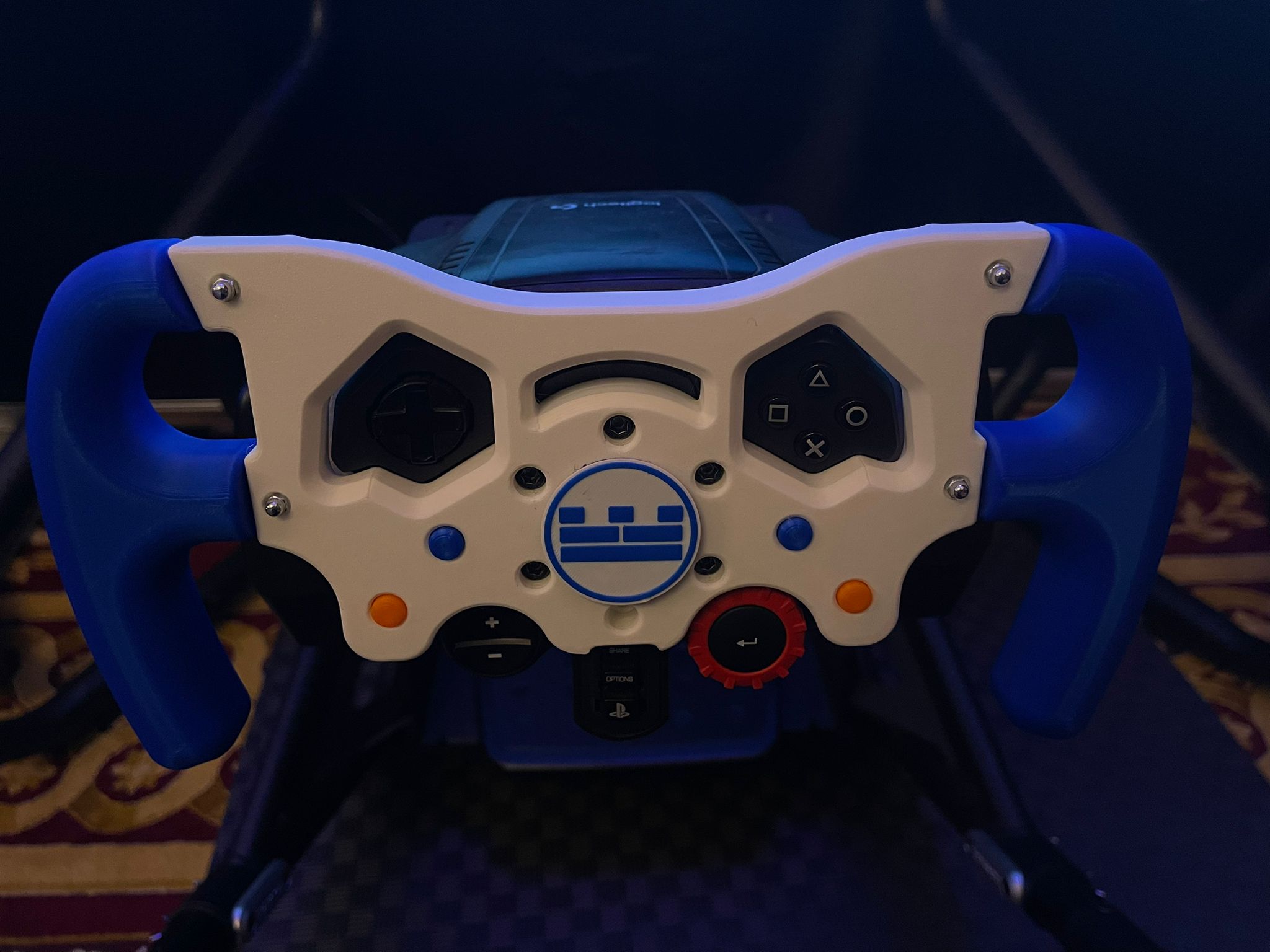
Gold Tier can supply branded activations — from augmented reality experiences to driving simulators — that draw a crowd to your stand at trade shows and conferences across the UK. We handle setup, staffing and breakdown; your stand’s badge scanning integrates with whatever system the show organiser has in place.
FAQs
How much is a badge scanner?
Cost depends on whether you use a smartphone app, rented hardware, or RFID infrastructure. Apps bundled with your registration platform may be included in the licence fee. Hired handheld scanners are typically priced per device per day; RFID adds chip, reader and setup costs. Ask your registration provider for a quote based on attendee numbers, session count and exhibitor list.
How does a badge scanner work?
A scanner reads the code or chip on an attendee’s badge and sends their ID to your registration system, which matches it to their record and logs a timestamped entry. QR and barcode scanners use a camera or laser to read a printed code; RFID and NFC use radio or near-field signals to read an embedded chip. Data is then exported or synced to your CRM.
Is there a badge scanning app specifically for conferences?
Many event registration platforms include a scanning module that works on iOS and Android smartphones or dedicated handheld devices. Which app and hardware you use depends on your registration provider — ask them what is included in your package before sourcing separate kit.
What are badge scanners called?
At registration, badge scanners are called delegate scanners, check-in scanners or entry scanners. When used by exhibitors to collect visitor contact details, the same device is called a lead retrieval device or lead capture device. The broader system is often referred to as a badge scanning or badge reader system.
Tell us about your event and we’ll put together a tailored proposal. Send us an enquiry and we’ll come back to you within one business day.