How to Capture Leads at a Trade Show: 7 Steps

You have a stand booked, a team on the rota and a boss expecting leads. Here is how to capture leads at a trade show. Decide what counts as a lead, pick one method for everyone, keep it quick, and follow up within a day or two.
The main risk is a queue at your scanner, or a pile of business cards nobody can read on Monday. So treat lead capture as a flow problem: where details get taken without anyone waiting.
Step 1: Decide what counts as a lead before the show
A lead is someone you would be glad to speak to again, and you should define that before you arrive. Write down three to five qualifying questions and one simple score so the whole team records leads the same way.
Name, company, email and one or two qualifying answers are enough. Good qualifiers are what they are looking for and by when, whether they influence the decision, and the size of the project.
Then score each lead hot, warm or cold. Hot means they want a conversation this week. Warm means a real fit but no timeline. Cold means a polite chat.
Step 2: Prepare before you arrive
Tell your best prospects and existing contacts you will be at the show, and book a few meetings in advance so the stand is not a cold start.
Set a target for qualified leads, not just total scans. Brief everyone on the questions, the score and the capture method, and test the equipment and the signal at the venue.
Step 3: Choose how to capture leads at a trade show
The best capture method is the one that takes the least time per person and still gets the fields you need. There are four common routes, and most stands use two together.
| Method | Speed | Cost bracket | Data quality | Needs signal? |
|---|---|---|---|---|
| Organiser badge scanner | Very fast | Often a paid add-on from the organiser | Good for contact details, thin on notes | Often works offline |
| Lead capture app | Fast | Free to paid, depending on the app | Good, with custom questions | Check for offline mode |
| Tablet or QR code form | Fast | Low, using tools you may already have | Good, if the form is short | Yes, unless it stores offline |
| Business cards plus notes | Slow | Almost nothing | Patchy, depends on handwriting | No |
Organiser badge scanner
Many shows offer a scanner that reads the visitor’s badge. It is quick for contact details but does not record what was said. Ask the organiser what it costs and what data you get back.
Lead capture app
An app lets you scan a badge or type details and add custom questions. Look for offline mode, CRM export, your own questions and a place to record consent. The right one depends on your CRM and team, so we won’t rank products.
Tablet or QR code form
A short form on a tablet, or a QR code that opens it on the visitor’s phone, scales best on a busy stand. Keep it to five fields or fewer. A QR code lets several people fill it in at once, so no one waits for one device.
Business cards plus notes
Cards are a fine backup. Write the score and a note on the back straight away, and key them in that evening.
Step 4: Give people a reason to stop and share details
People hand over details when they get something back and the ask is small. A prize draw, a useful demo or a short activity all work, as long as the capture moment is quick and optional.
If visitors play first and enter their details afterwards to join a leaderboard or a prize draw, the capture feels like a natural next step rather than a form. It also gives your team an easy opener: “How did you get on?” beats “Can I scan you?”.
On consent, be clear and honest. Under UK GDPR and the Privacy and Electronic Communications Regulations (PECR), marketing emails to individuals generally need their consent, unless a narrow “soft opt-in” exception applies. The ICO’s guidance says consent must be a clear positive act, so add a plain tick-box saying what you will send, and do not pre-tick it. Rules differ by recipient, so check the ICO guidance or take advice if you are unsure.
Step 5: Staff the stand so no lead is lost
Give each person a role, so a busy moment does not become a missed lead:
- Greeter: stands at the edge, says hello, and points people to the activity or the right team member.
- Qualifier: asks the two or three questions and records the answer and the score.
- Closer: takes hot leads aside, books the meeting and notes the next step.
Record each lead straight after the conversation, not at the end of the day. Watch the queue: if more than a couple of people are waiting, add a second device or a QR code. Rotate breaks so the stand is never left with one person.
Step 6: Follow up fast
Send a short message the same day or the next day, then a fuller one within a few days, while the visitor still remembers you.
Sort leads by score before you send anything:
- Hot: a personal email or call within a day, and a meeting request. Hand these to sales straight away.
- Warm: a tailored email that picks up the thing they asked about, with one clear next step.
- Cold: a thank-you and, where they agreed, a place on your regular mailing list.
Import everything to your CRM with the score, notes and consent status.
Step 7: Measure what worked
Look at the numbers within a few weeks of the show. Leads by score, meetings booked and deals started tell you far more than total scans.
Count hot, warm and cold leads, how many became meetings, and your cost per qualified lead (total show cost divided by hot and warm leads). Note which times of day and activities produced the best ones, and lean on those next time.
How an interactive activation fits in
An interactive activity is one way to give people a reason to stop, and it pairs well with QR code or tablet capture. A good stand can work without one, but it makes conversations easier to start.
We plan and deliver trade shows and brand activations, including custom-built, branded AR spaces and AR games, and driving simulators with custom branding. One client, Howdens, told us: “The driving simulator was amazing and enjoyed by all our customers and staff.” On our corporate events, setup, breakdown and all equipment are included, along with professional hosts, so your team can focus on conversations.
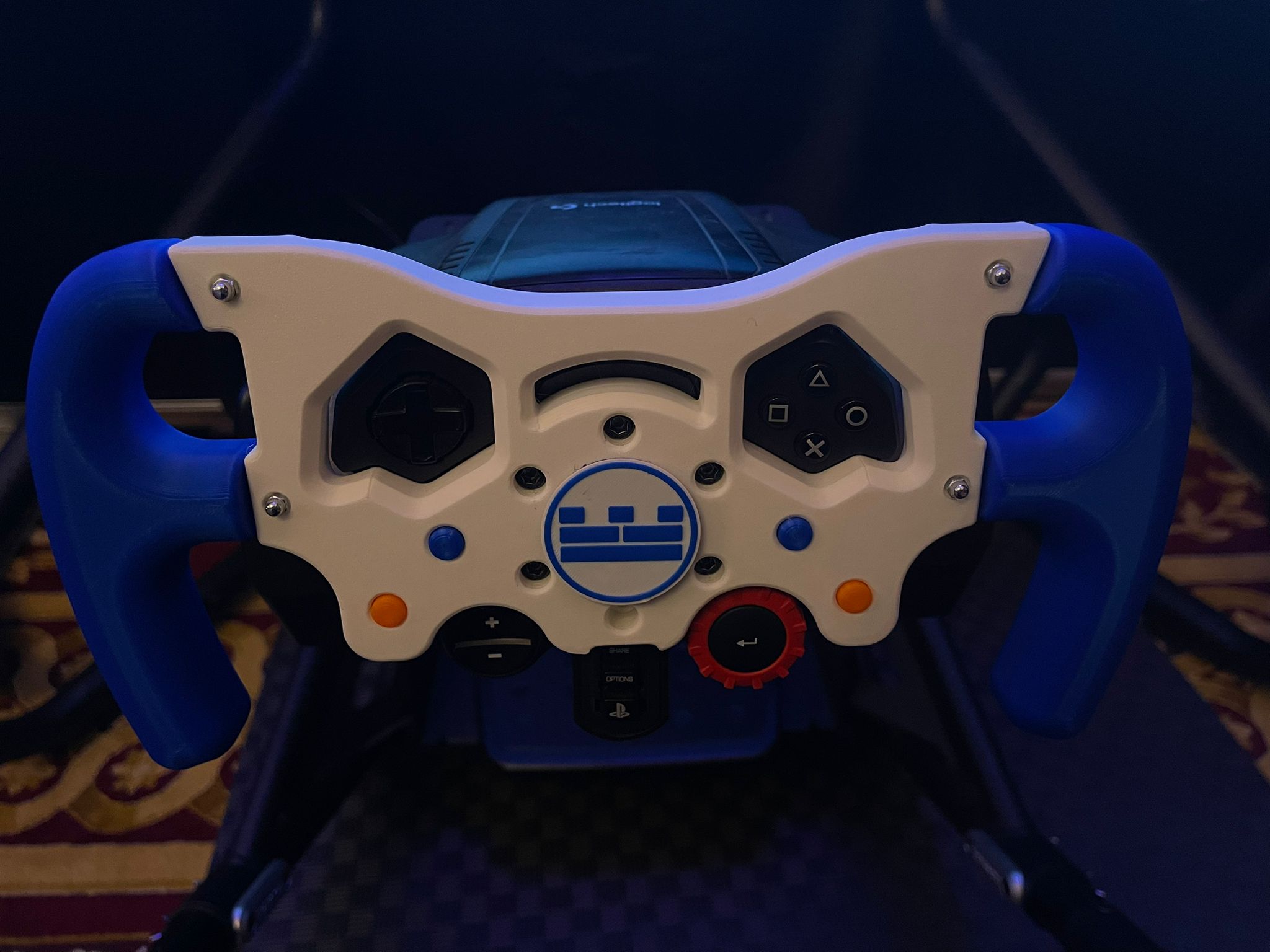
You can see what we do on our trade shows page. Tell us about your event and we’ll put together a tailored proposal. Enquire here and we’ll reply within one business day.
FAQs
What is the best free app for capturing trade show leads?
The best free option is the one your team will actually use on the day. Look for offline mode, custom questions, a consent tick-box and an export your CRM accepts. If an app is too much, a simple form on a tablet that feeds a spreadsheet or your CRM does the same job.
How do you do well at a trade show?
Know what a good lead looks like before you go, tell your best prospects you will be there, and book meetings in advance. On the stand, give people a reason to stop, capture details in one consistent way, and follow up within a day or two while they still remember you.
What is the 5 minute rule for leads?
It is the idea that the faster you reply to an enquiry, the more likely it is to turn into a conversation. We would not put a number on it. The practical lesson is simple: send a short message the same day, then a fuller follow-up within a couple of days.
How much does a trade show stand cost in the UK?
There is no single figure. UK organisers sell space by the square metre, and the total depends on the show, your location in the hall and how the stand is built. Check the organiser’s rate card for space, then get quotes for build, graphics and any activity on top.