Hybrid Event Ideas: 10 Formats That Work for Both Rooms
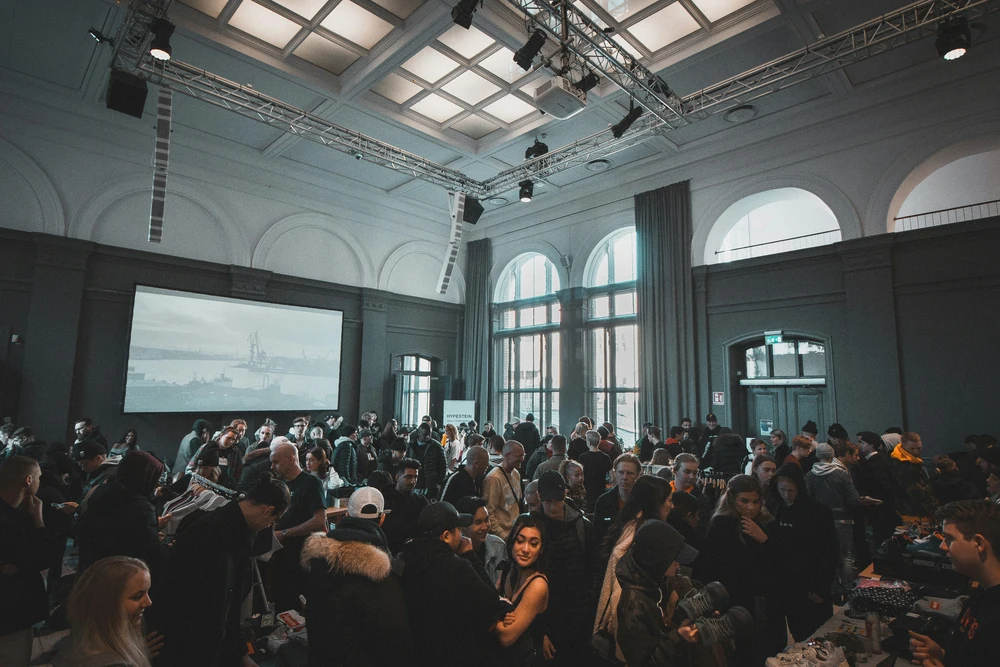
Your event is in a room, but not everyone can be in it. Some colleagues are at another site, some are on leave, some are simply too far away. The best hybrid events pick one main audience and design for it. Then they give the other audience a real job to do, not just a window to watch through.
We run the in-person side of events: the room, the presenter, the AV and the activities. These hybrid event ideas start there, because the room is where hybrid events tend to go wrong. They cover ten formats by event type, what each needs, and how to keep both audiences equal.
Before you pick a format
Answer three questions first: who is in the room, what do remote people need to do, and who is looking after them. If you cannot answer the third, fix that before anything else. Streaming software and online platforms are usually a separate supplier or an internal IT job, so decide who owns that side early and tell us what you need from us for the room.
Size guide
- Under 30 people: keep it conversational. One screen showing remote faces, one good microphone, and a chair for the person who speaks up for the online group. Town halls and workshops suit this size.
- 30 to 150 people: you need a host in the room, a separate host for the online audience, microphones for questions and a screen the whole room can see. Conferences, launches and awards fit here.
- 150 and above: treat it like a broadcast as well as an event. Add staging, a PA, camera positions and technical support, and consider smaller local hubs for remote groups.
Hybrid event ideas by event type
Each idea below gives the room something worth turning up for and gives remote attendees a task, not just a view.
Town halls and all-hands
1. Live Q&A with a shared question queue. Collect questions from the room and from online into one queue, and let the host alternate between them.
2. A rotating “remote voice” slot. Reserve a fixed point in every section for an online attendee to speak first. It stops the room from dominating.
Conferences
3. Remote-friendly breakouts. Run short breakouts where in-room groups and online groups work on the same prompt, then report back to everyone.
4. A panel with a dedicated online moderator. Put a moderator on the stage side who only watches the online chat and feeds questions to the panel. It is one of the simplest ways to improve a hybrid panel.
5. Local hub viewing parties. If remote staff cluster in a few offices, let each hub watch together with snacks and a local host, then join the live Q&A as one group.
Product launches
6. Staged reveal for the room, hands-on for everyone else. Reveal the product live, give the room time to try it, and send remote attendees a recorded walkthrough or demo to follow along with.
Workshops and training
7. In-room and remote pairs. Pair one person in the room with one person online for exercises. Each pair gets a shared document and a clear task.
Awards and celebrations
8. In-room ceremony with remote acceptance videos. Ask remote winners to send a short recorded thank-you in advance, and play it on the main screen. Add a live link for the final few awards so remote winners can react in real time.
Socials and after-conference events
9. A hosted game show for the room. Taskmaster-style challenges, Cube-style challenges, quizzes and bingo suit the end of a conference day, and the room gets something no screen can offer. Our game shows and quizzes include company-themed customisation, and setup is included.
10. Quiz rounds scored across both audiences. Run a quiz where online teams answer through a phone or poll and the room answers in teams on tables, with one combined leaderboard. Have the presenter read remote answers aloud.
In-room activities that give the room a reason to be there
If everything in the room could be watched at home, people will stay home. Give the room something physical to do.

- Game shows and quizzes: a host, a stage moment and teams on tables. Good for the post-conference slot.
- VR and driving simulators: the VR Flight Simulator runs from 1 to 30 headsets, each needing about 1 by 1 metres. Driving simulators run from 1 to 16 stations with 55-inch screens and force-feedback wheels.
- Arcade games: a free-flow, drop-in format, so people play between sessions without a schedule.
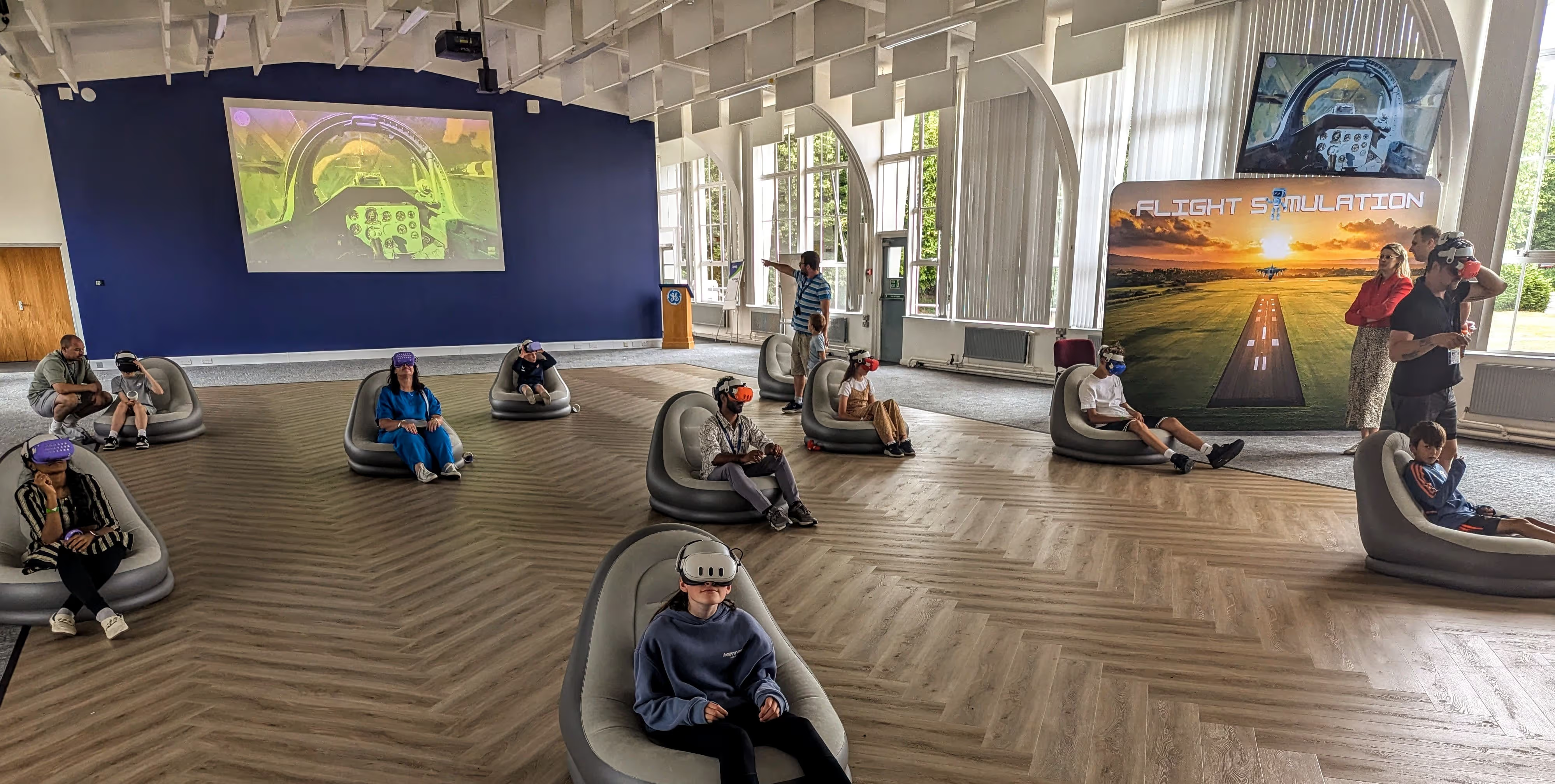
Remote attendees cannot join these hands-on, so give them a parallel. Show a live leaderboard on screen, or run the quiz format above so both audiences compete. For remote-first groups, our hybrid team building ideas go further. After an after-conference social we ran, Jonathan Behr, CTO / VP of Engineering at Laravel Live, said, “We used Gold Tier Events for an after-conference social with 250+ guests, and I cannot say enough good things about Reece and his crew.”
Keep both audiences equal
Equal means the same access to speaking, asking and being heard. These habits do most of the work:
- One host per audience. One runs the room; one looks after online attendees.
- One shared Q&A. Do not run a second channel for remote questions that nobody reads.
- Microphones for every in-room question. If the room asks without a mic, remote people hear nothing.
- Polls both groups can answer, with combined results on screen, and breaks timed for both.
- No side conversations the online group cannot hear. Say it at the start.
What goes wrong, and the fix
| Problem | Why it happens | Fix |
|---|---|---|
| Remote people cannot hear the room | Audience questions asked without a microphone | Roving microphones and a PA, and the host repeats unmic’d questions |
| Lag and echo | Audio feeds loop between room and call | Test the audio path before doors open, and mute the room feed on remote laptops |
| Remote attendees ignored | Nobody owns them | Name an online host and give them stage time |
Quick checklist for the AV and room
Microphones for speakers and audience questions, a PA, a screen showing remote attendees, a camera angle on the speaker, a tested audio route, on-site tech support, and a rehearsal with both audiences connected.
Our audiovisual service covers microphones, PA, staging, projectors and screens, with on-site tech support. For conferences, see our conference events page. We handle the room side. The online platform and streaming are normally supplied by you or a separate platform provider, so agree early who owns that link.
FAQs
What are hybrid sessions?
A hybrid session is a single session where some people attend in person and others join online, and both groups take part together. That means shared questions, polls and discussion, not just a livestream for remote viewers. The best ones give each audience its own host and its own way to contribute.
How many people do you need for a hybrid event?
There is no minimum. A hybrid town hall can work with 20 people in a room and a handful online, and a conference can run to hundreds. What changes with size is the kit and the number of hosts: bigger rooms need proper microphones, screens and a dedicated online moderator.
Who should host the remote audience?
Give the online audience its own host, separate from whoever runs the room. That person reads out questions, watches the chat, runs polls and speaks up when remote attendees are being missed. Without one, the room tends to absorb all the attention.
What equipment does the room need for a hybrid event?
At minimum: microphones for speakers and for audience questions, a PA so the room hears remote contributions, a screen showing the online audience, and a camera angled at the speaker. On-site tech support matters, because if remote attendees cannot hear, they cannot take part.
Can you give me examples of events that suit a hybrid format?
Town halls, conferences, product launches, training workshops, awards evenings and after-conference socials all suit it. Our corporate event ideas guide lists the wider range of event types if you are still choosing what to run.
Plan your hybrid event with us
Tell us about your event and we’ll put together a tailored proposal. We plan corporate events from 20 people to 2,000, with setup, equipment and hosts included. Send us your details and we’ll reply within one business day.